AI room visualizer
A simple MyRoomAI-style way to redesign your room
If you want to visualize a new room style from a photo, Redo My Room gives you a fast web-based workflow: upload, choose a style, add instructions and review a preview.
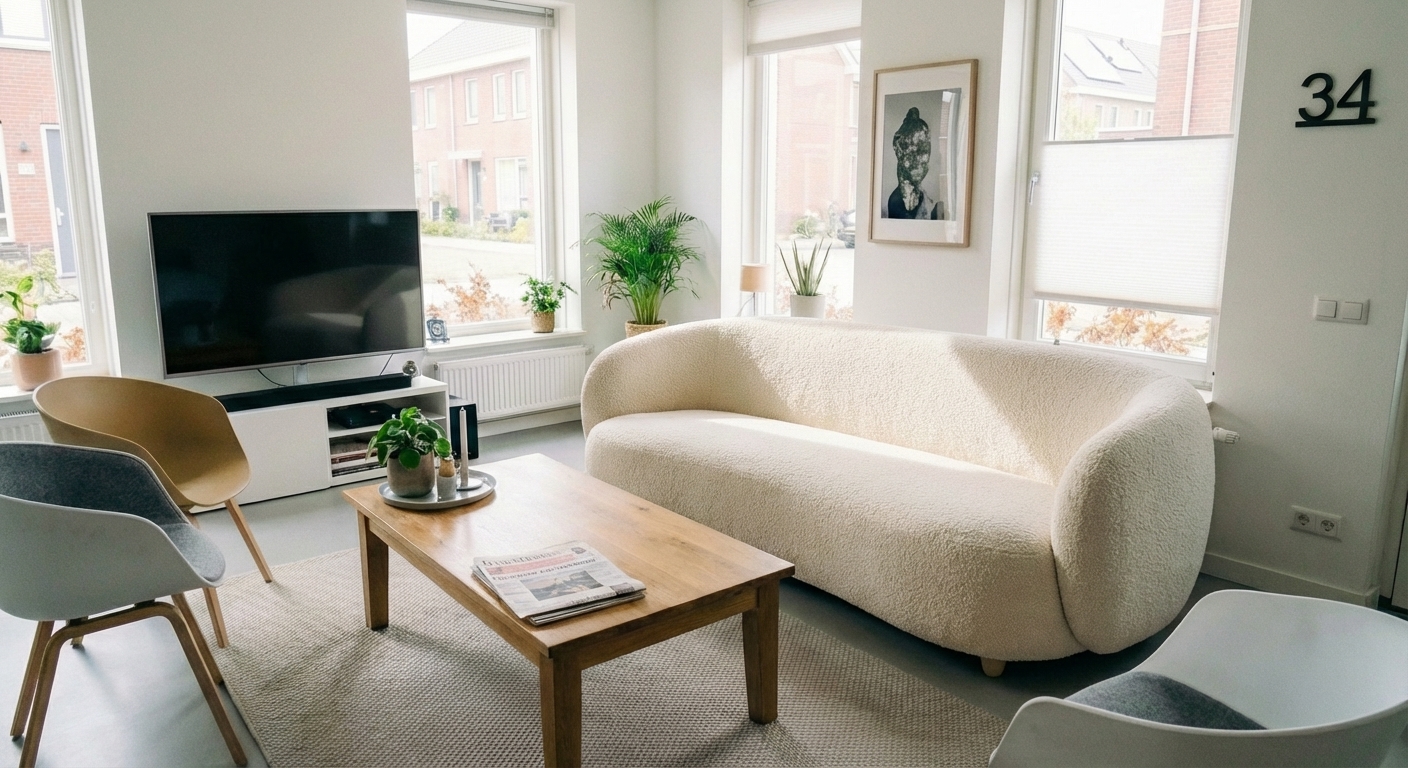
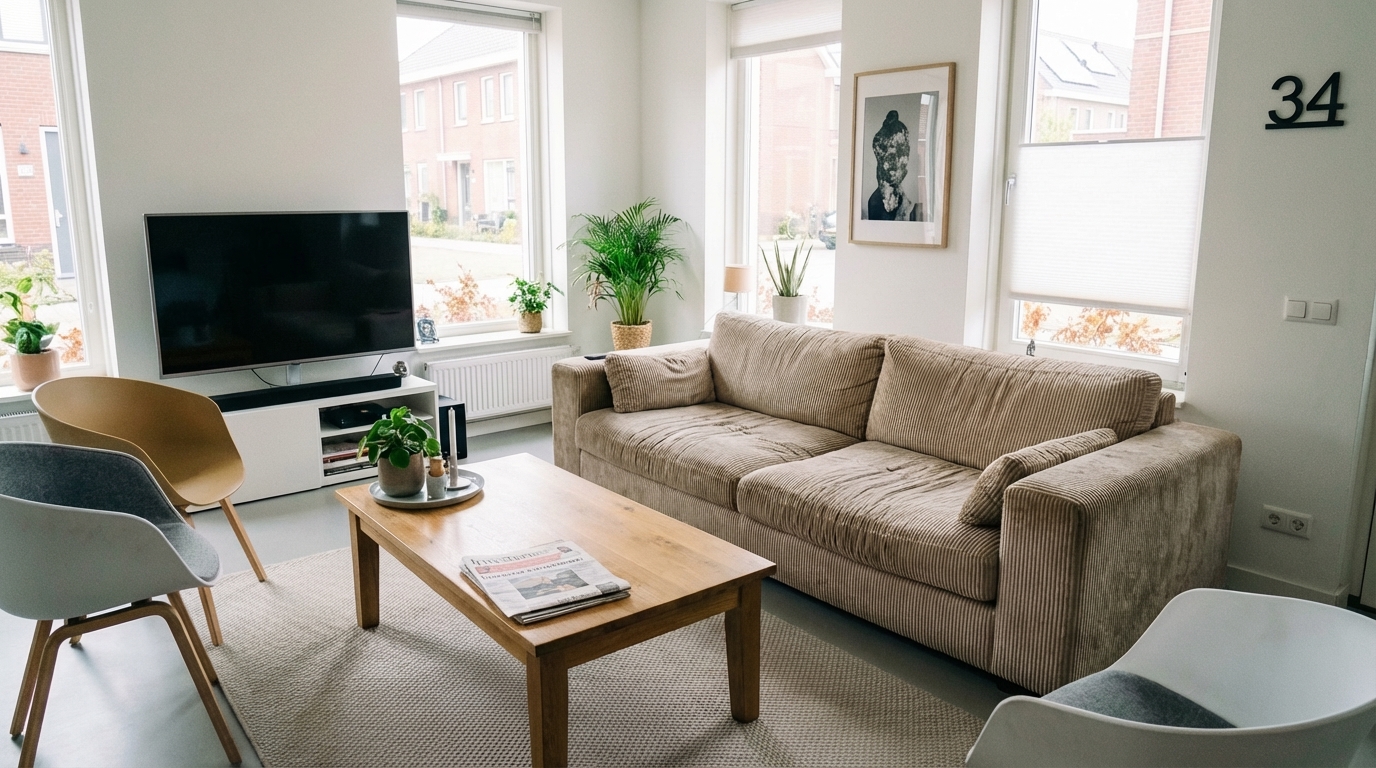
Drag the slider to see the transformation
Room visualizers should be fast and concrete
Many tools ask you to build a floor plan first. For style exploration, a photo-based AI preview is often faster and easier to judge.
- ✓Photo-based workflow
- ✓No card required for first preview
- ✓Bedroom, living room, kitchen and office use cases
- ✓Simple credit pricing
What can you use it for?
Compare styles
Try modern, Scandinavian, Japandi or industrial.
Plan a remodel
Get a visual direction before detailed planning.
Stage a space
Give empty rooms a clearer purpose.
1. Upload
Choose a clear room photo.
2. Describe
Pick a style and add your wishes.
3. Preview
Review your first preview for free.
Frequently asked questions
Is this affiliated with MyRoomAI?
No. This page is for people searching for a room-AI visualizer and comparing options.
Can I upload my own room?
Yes, the tool is built around your own photo.
Can I download the result?
Yes, after unlocking the design or using credits.