AI interior design tool
AI room design built around your actual space
Start with a photo of the room you want to change. Choose a design direction or describe your own idea, then receive a realistic visual concept that keeps the existing room as its starting point.
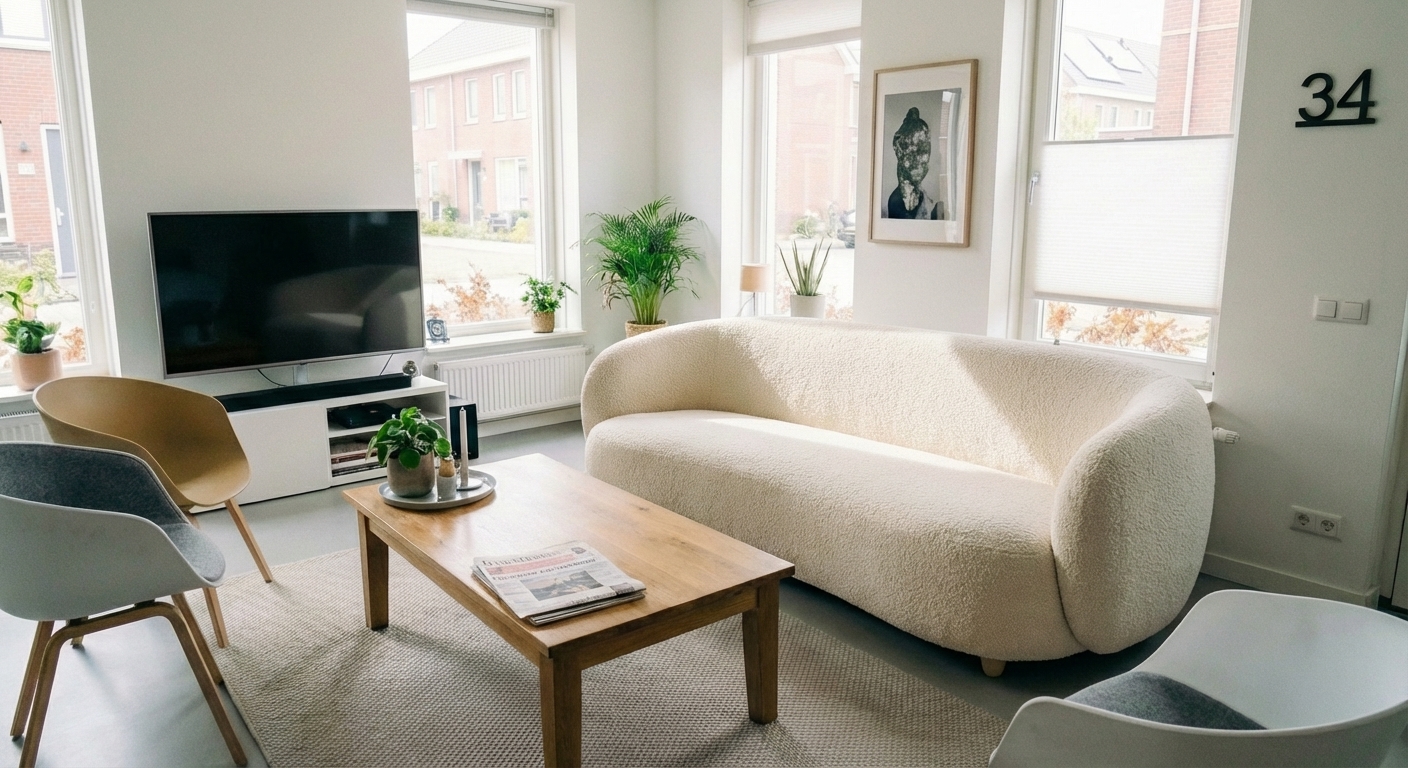
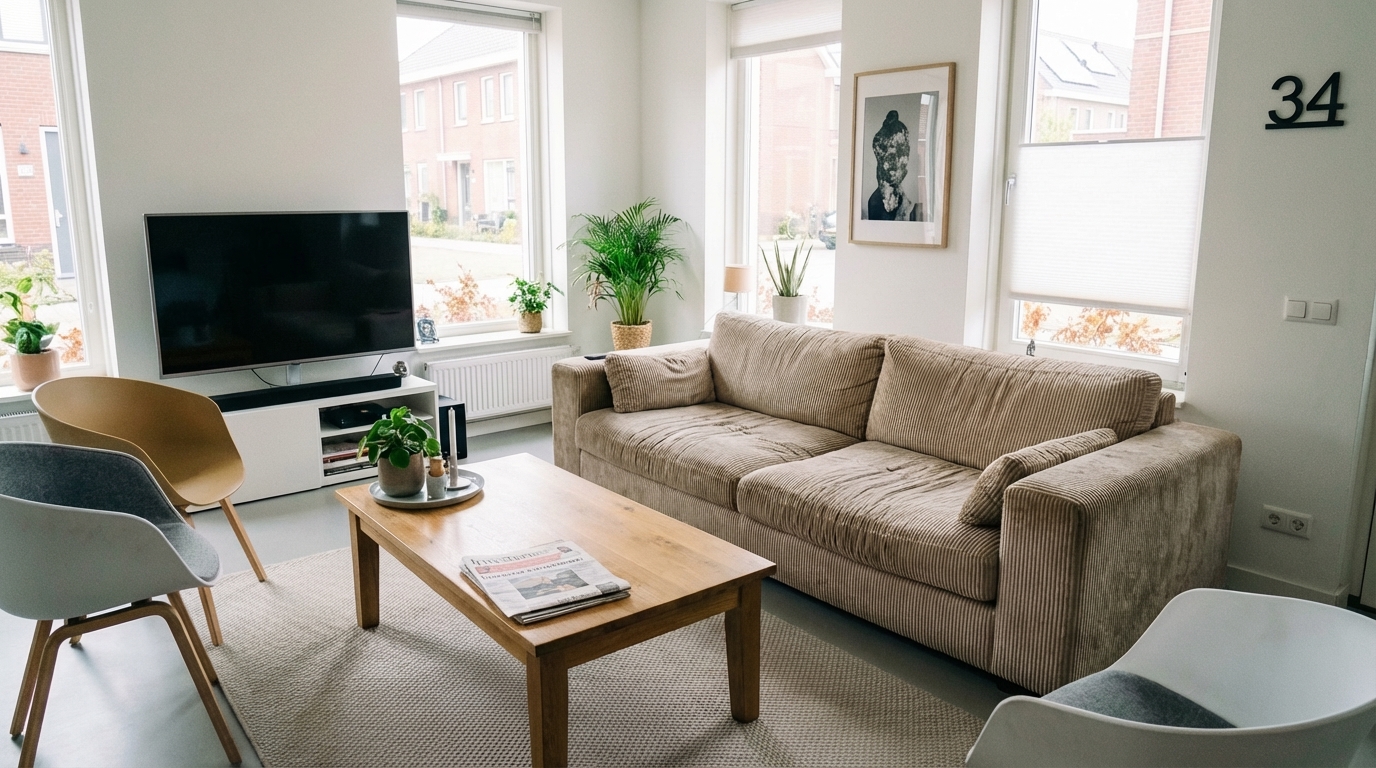
Drag the slider to see the transformation
Inspiration photos are not your room
A mood board can show a style, but it cannot show how that style feels with your windows, floor and proportions. A photo-based AI concept makes the decision much more concrete.
- ✓Your room photo as the starting point
- ✓Scandinavian, Japandi, industrial and other styles
- ✓A free first preview with no card required
- ✓Unlock the exact result you choose
What can you use it for?
Living room makeover
Compare several design directions before buying furniture.
Bedroom design
Explore calmer colors, lighting and furniture.
Empty space
Give a vacant room a clear purpose and visual identity.
1. Upload
Choose a clear room photo.
2. Describe
Pick a style and add your wishes.
3. Preview
Review your first preview for free.
Frequently asked questions
Is the AI room design preview free?
Yes. Create a free account to generate your first watermarked preview. You only pay to unlock it without a watermark or create more designs.
Is this a measured floor plan?
No. It is a visual concept, so verify dimensions before purchasing furniture or planning construction.
Can I write my own prompt?
Yes. Add colors, materials, furniture or mood in plain language.