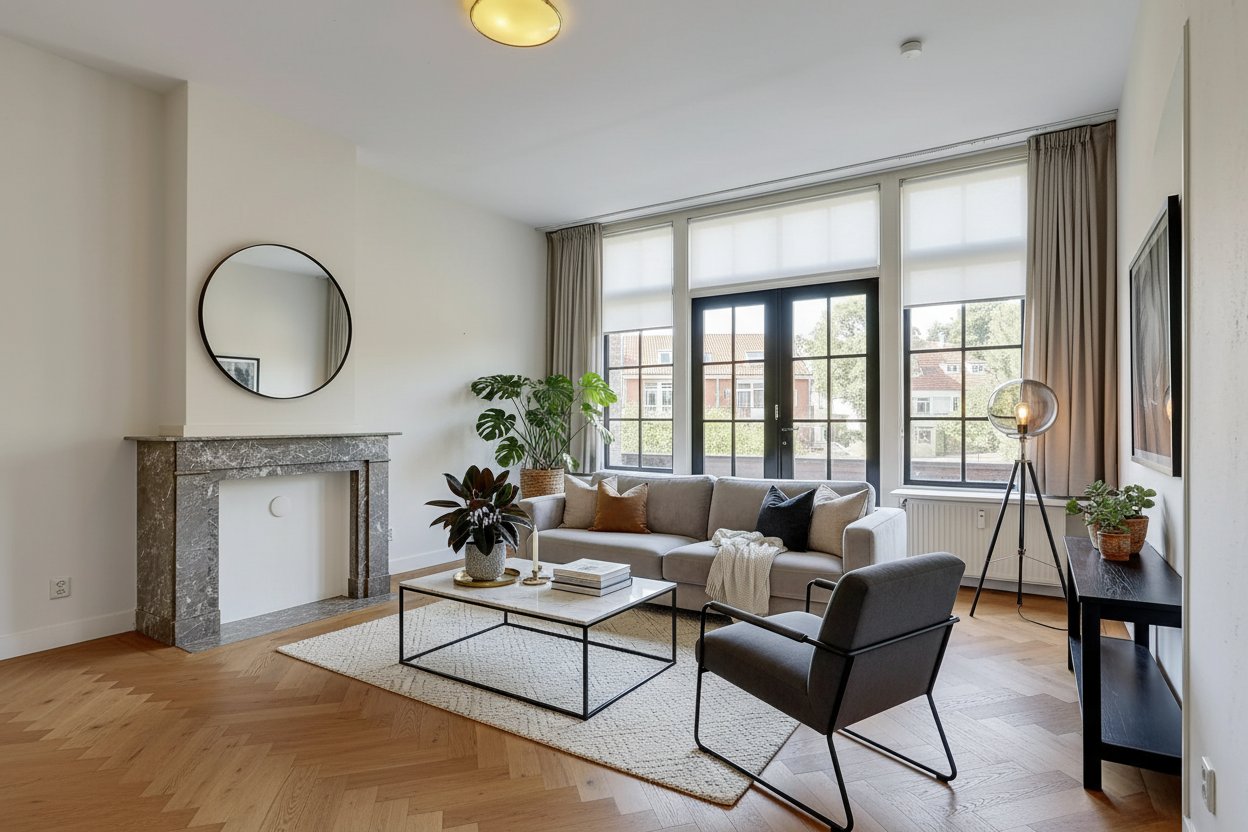
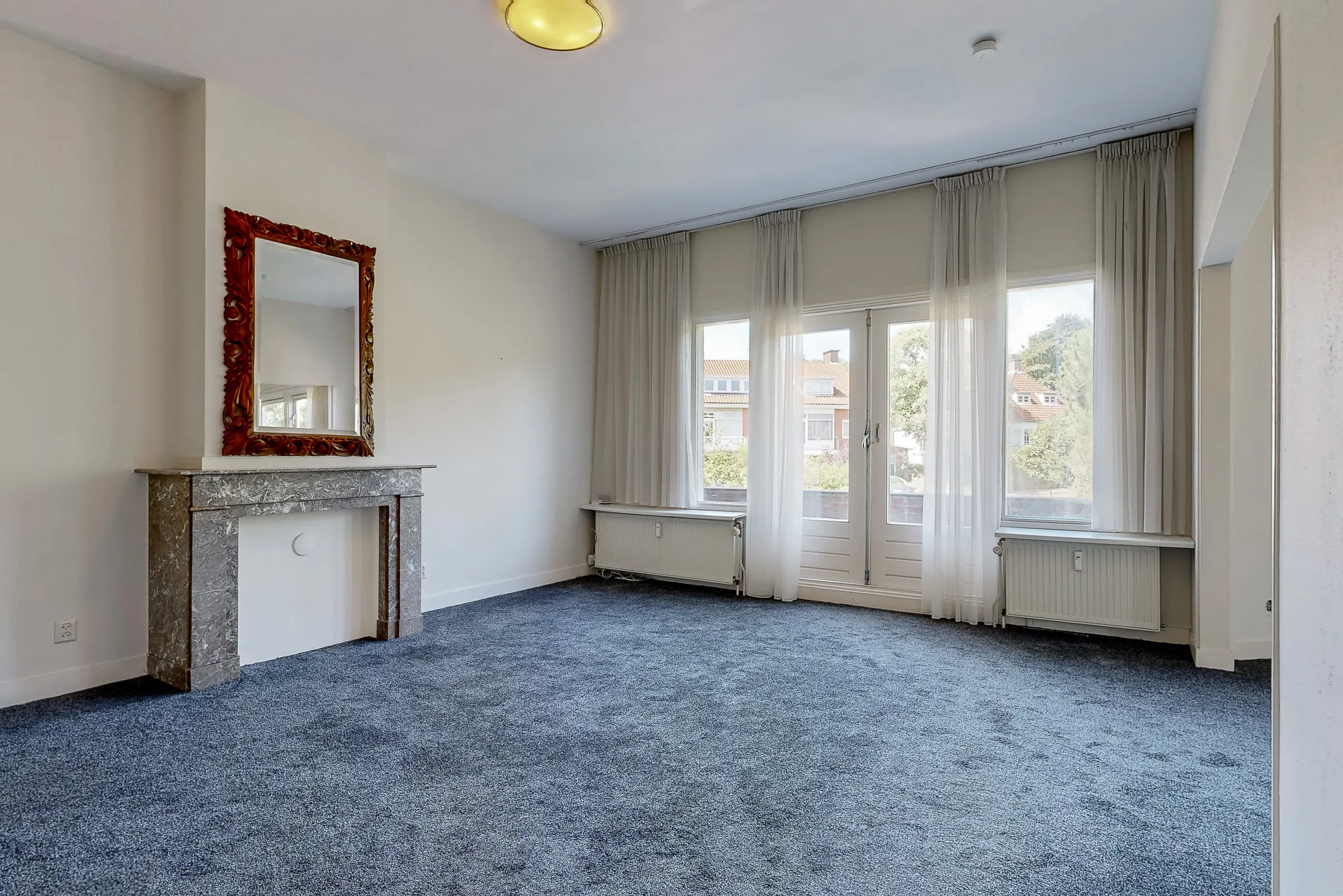
Drag the slider to see the transformation

Empty homes sell slower
Vacant properties sit on the market longer. Buyers struggle to visualize how a space could look furnished. Traditional staging costs $1000-3000 and takes days to arrange.
Sound familiar?
- Traditional staging costs $1000-3000 per property
- Empty listings get fewer views and lower offers
- Buyers can't imagine themselves in an empty space
Virtual staging in 2 steps
Upload a photo of an empty room and generate a furnished visual impression. Use the visible AI disclosure option and verify your listing platform’s current rules before publishing.
High-resolution exports (2160×1440px)
Choose from 7 interior styles
Fast, photo-based workflow
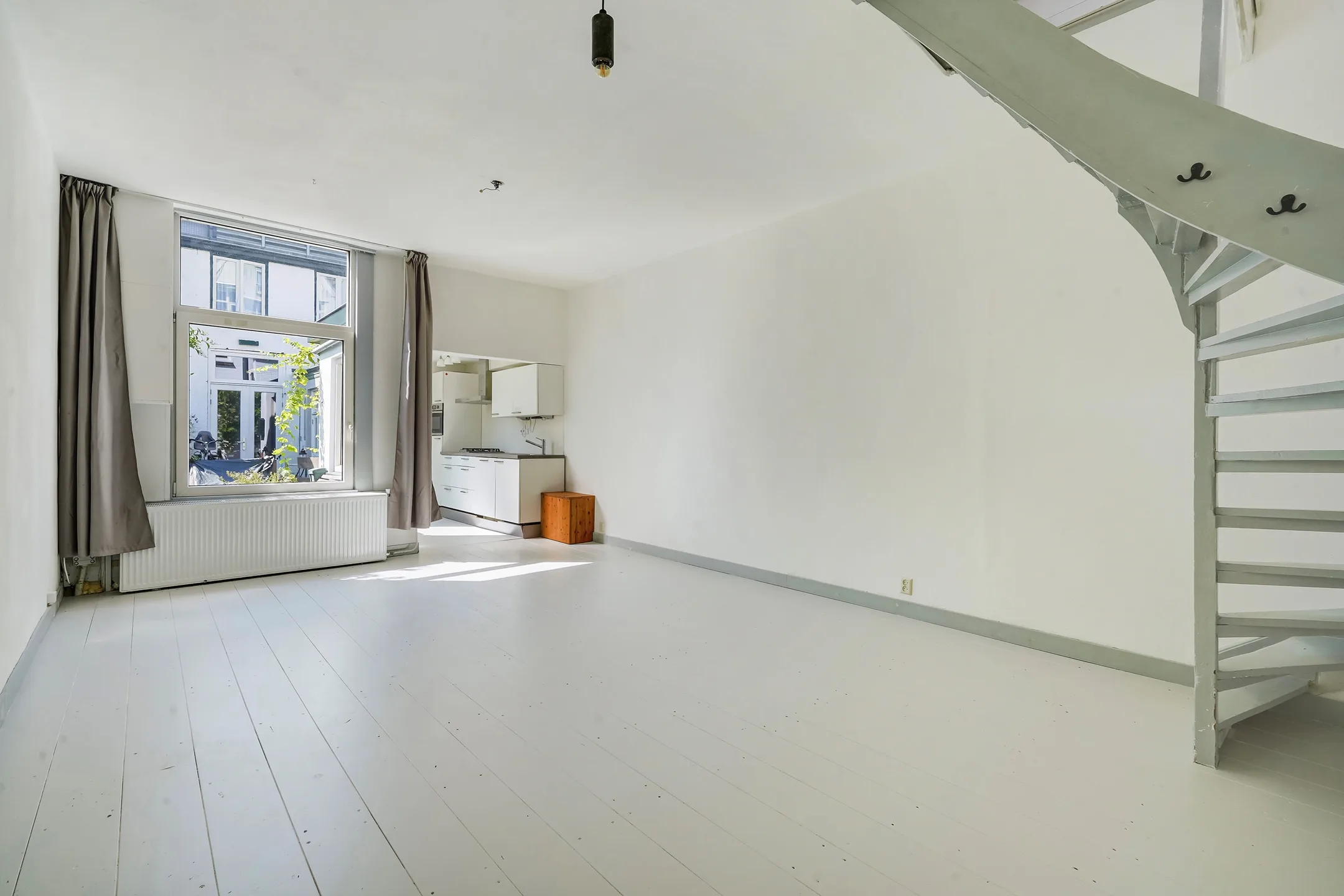
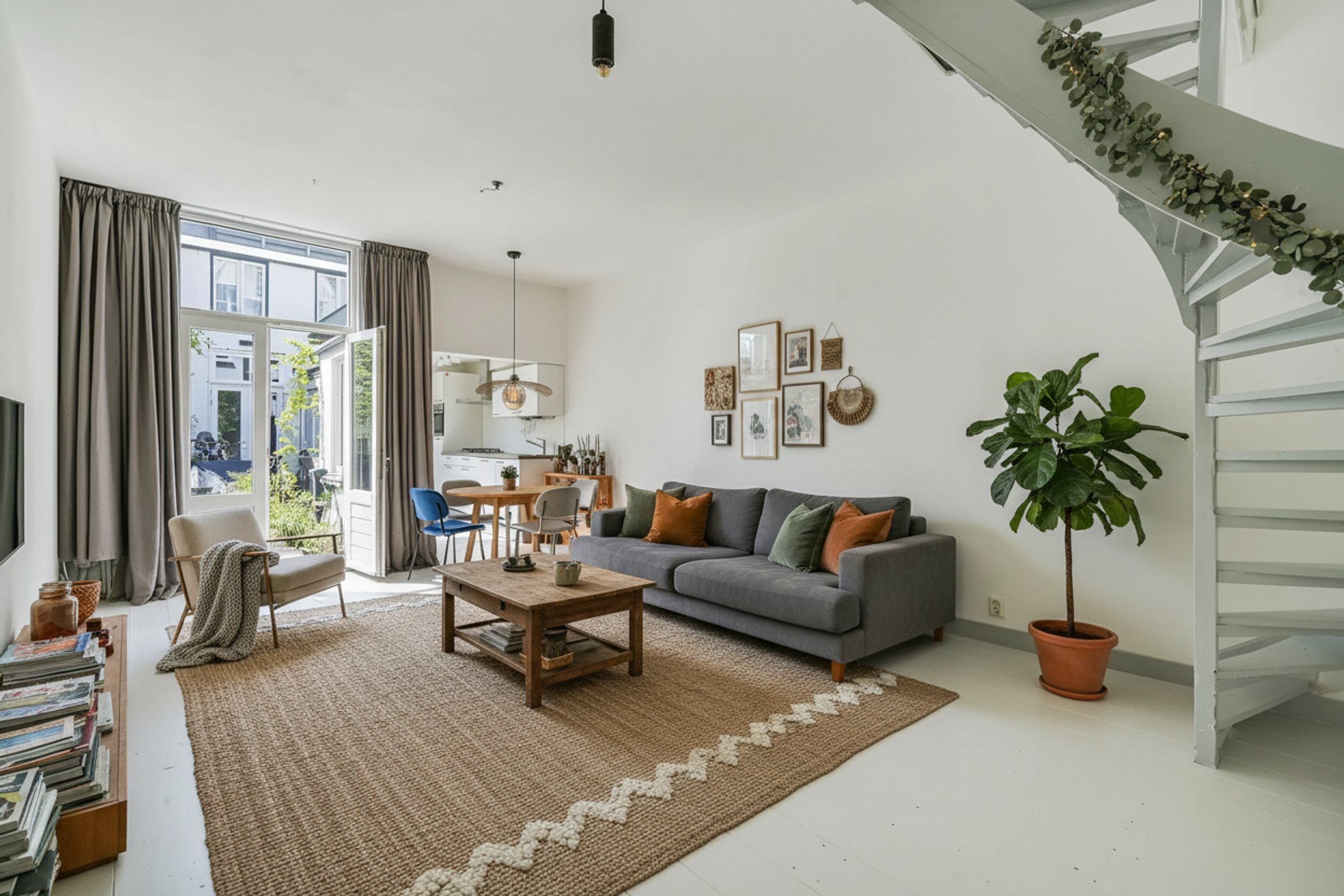
From empty to inviting
A vacant living room transformed into a warm, welcoming space that helps buyers envision their future home.
Drag the slider to see the transformation
From photo to dream interior
Upload photo
Take a photo of your empty or furnished room.
Pick a style
Scandi, Industrial, or Modern? You choose.
Get results
Review your new design in moments.
Frequently Asked Questions
Yes! Just disclose that photos are virtually staged in your listing description. This is a common practice in real estate.
Traditional staging costs $1000-3000 and takes days. Virtual staging costs $1-5 per photo and takes seconds. The tradeoff: virtual staging only works for photos, not in-person showings.
Living rooms, bedrooms, kitchens, bathrooms, home offices, and dining rooms. Our AI handles any residential space.
Your first design is free (with watermark). After that, credits start at $5 for 5 photos - that's $1 per staged image.
Yes! Our 50-photo package is just $25 (50¢ per image). Perfect for agents with multiple listings.