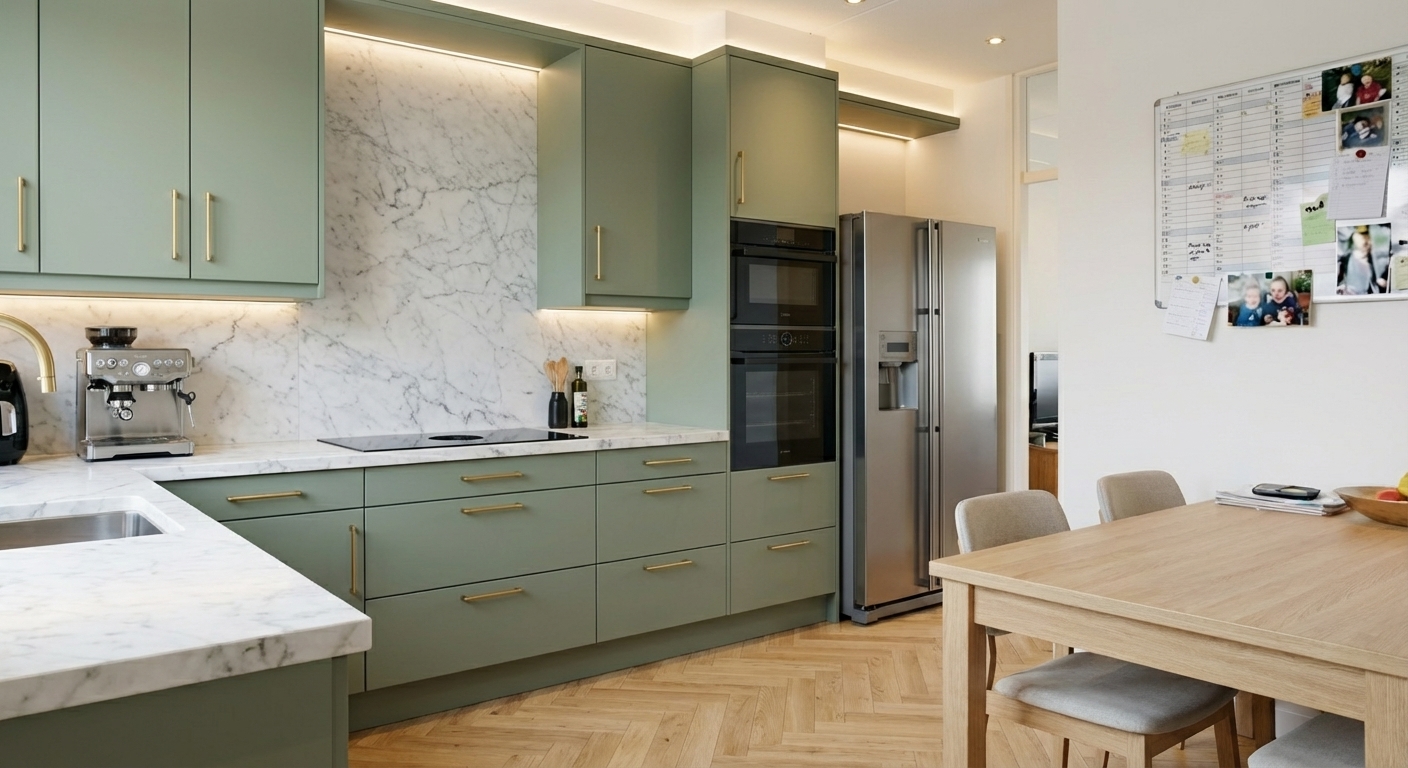
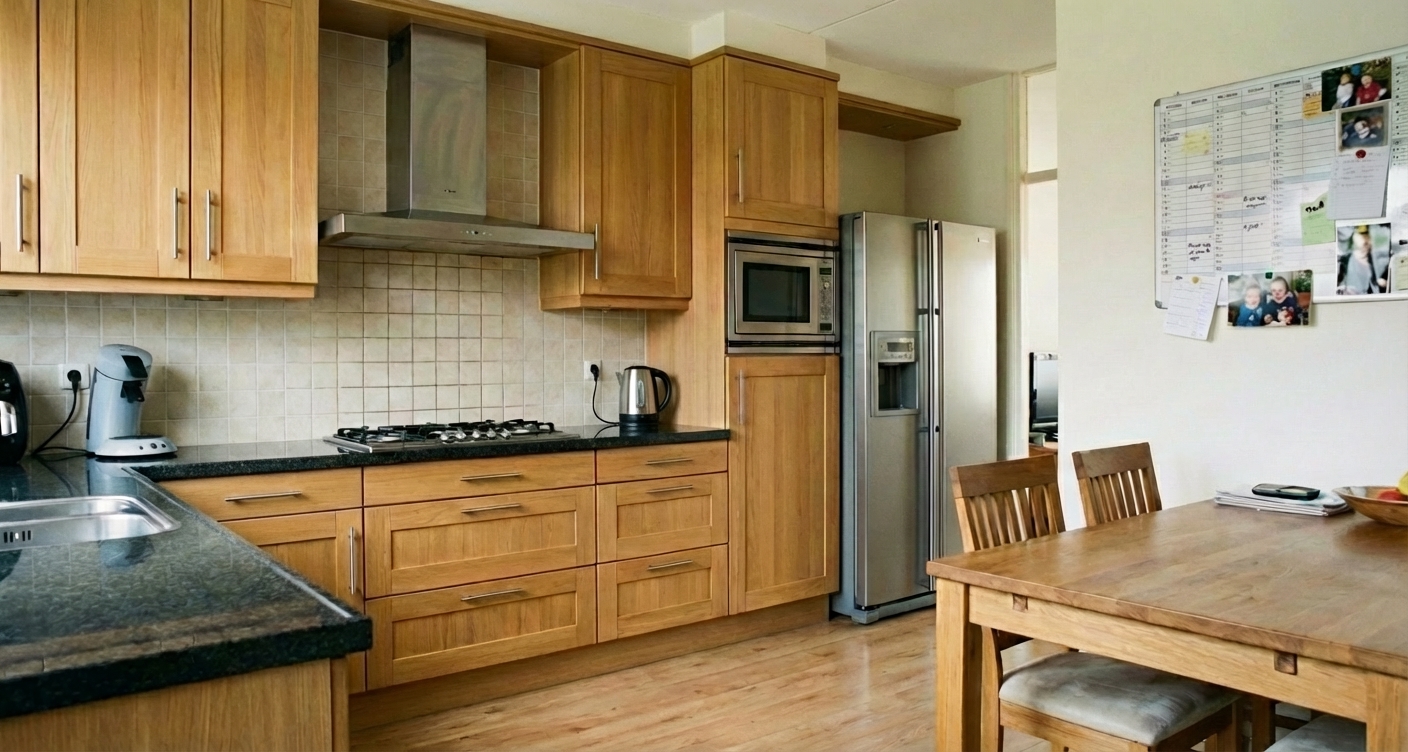
Drag the slider to see the transformation
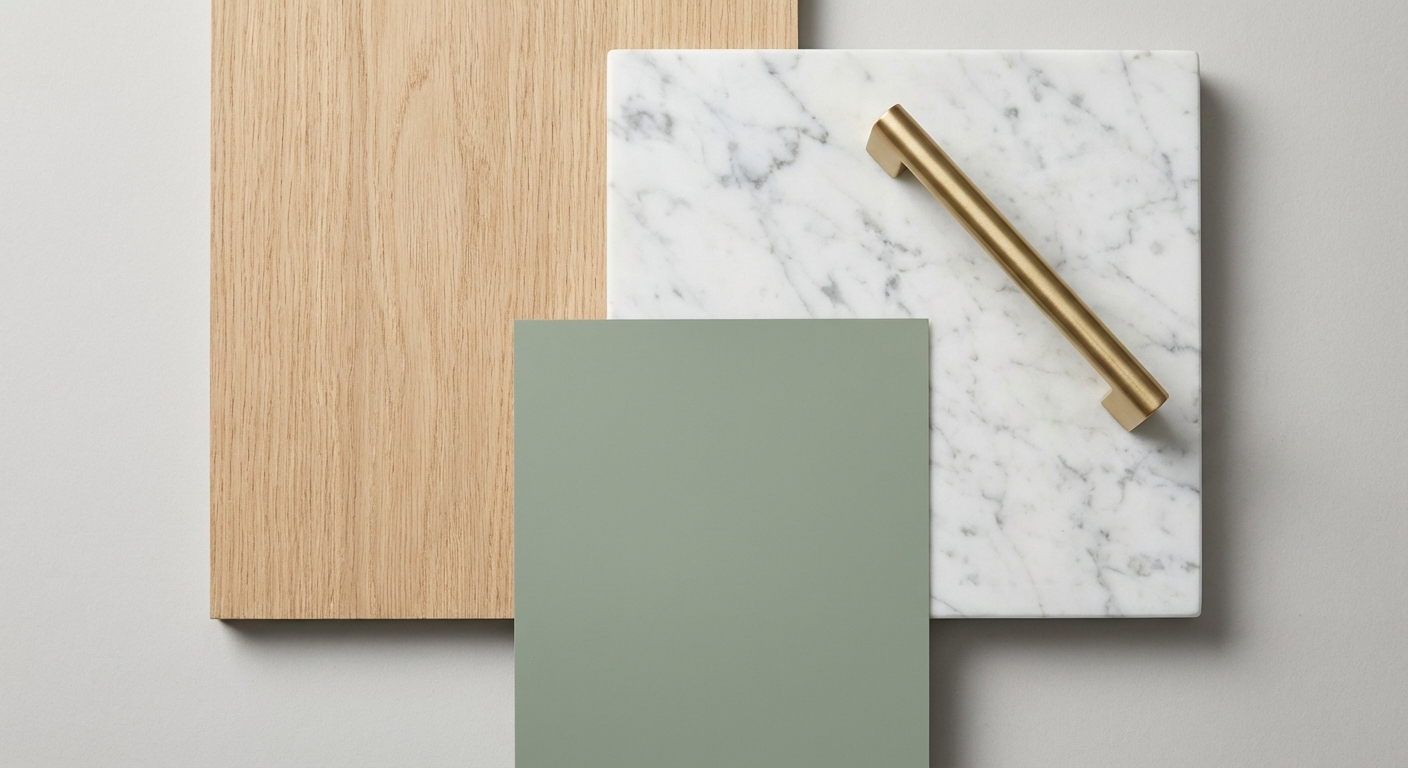
A kitchen renovation is permanent
A kitchen lasts 15 to 20 years. A wrong choice in color or layout haunts you for years. Showrooms give an impression, but how does it look in YOUR home with YOUR lighting?
Sound familiar?
- Getting quotes takes weeks
- 3D drawings from kitchen stores often look sterile
- Hard to imagine how lighting affects the space
Instant Kitchen Makeover
Upload a photo of your current kitchen (or empty space) and let AI place a modern, farmhouse or industrial kitchen in it.
Test bold colors (black, green, blue)
See how a kitchen island fits in the space
Inspiration for tiles, countertops and lighting
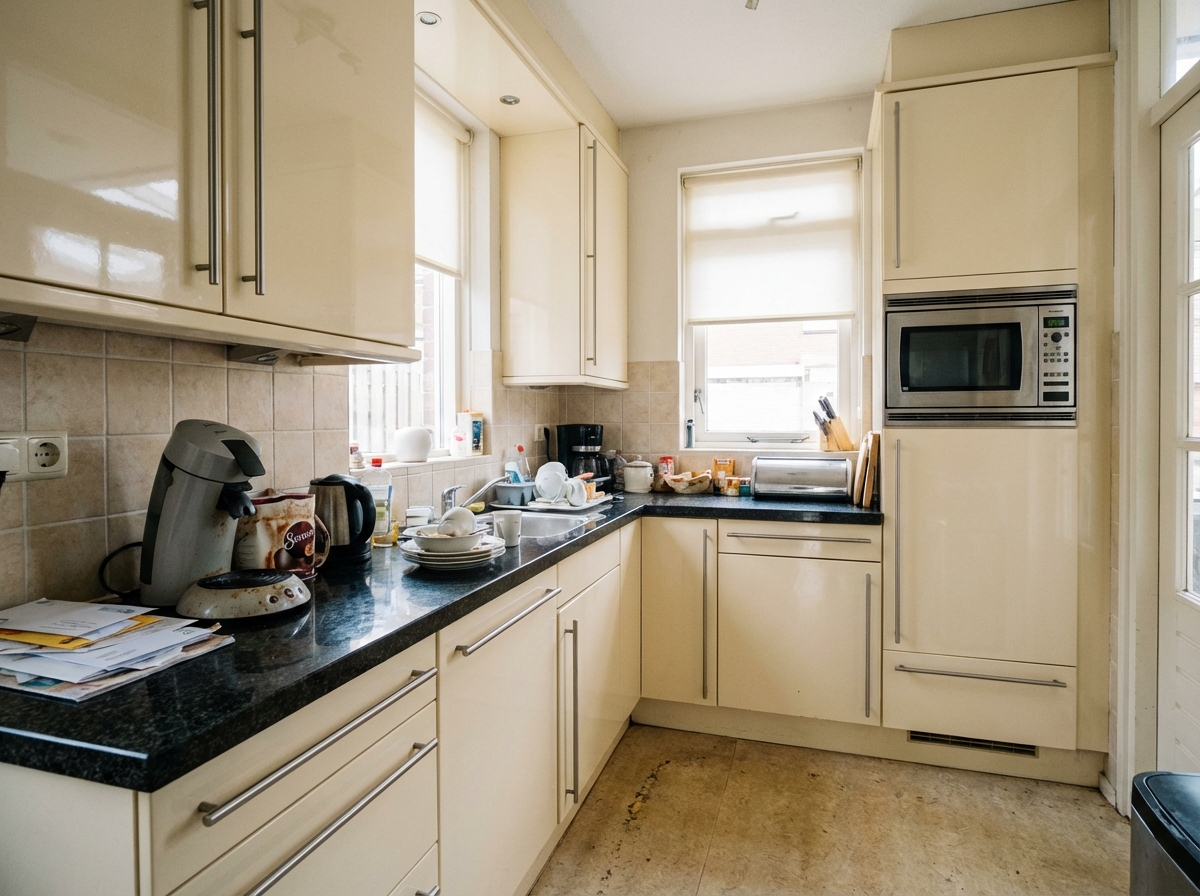
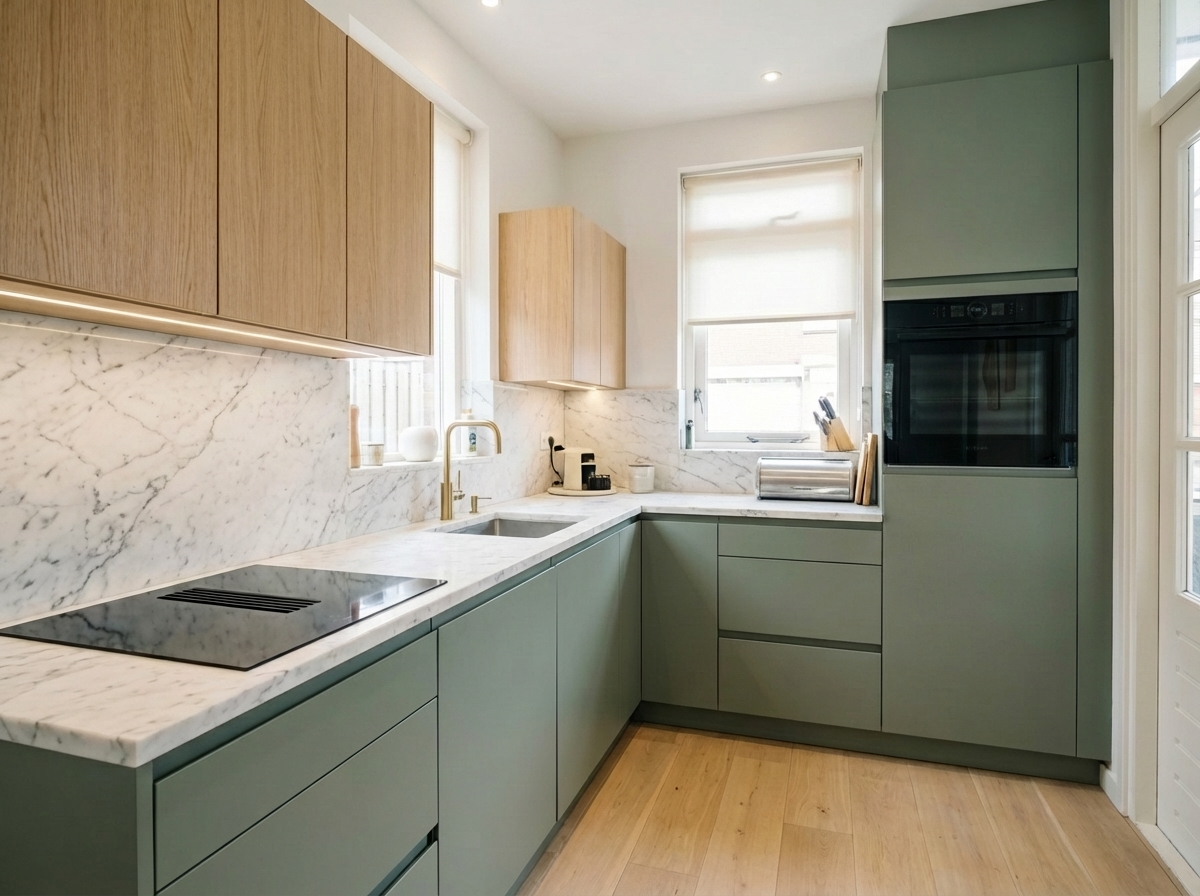
Dated to Modern
From 90s yellow to sleek modern with marble countertop.
Drag the slider to see the transformation
Three steps, about a minute per photo
Upload a photo
As you would shoot it for the listing. Daylight and a straight angle work best.
Choose what happens
Modernise, furnish an empty room, or restyle. Pick a style, describe it, or both.
Download
Portal-ready, with the AI impression label in the photo if you switch it on.
Frequently asked questions
You choose a general style (e.g. Modern, Farmhouse). The AI generates a unique design based on that as inspiration.
Yes, you can choose the 'Scandinavian' or 'Minimalist' style to get ideas similar to popular IKEA styles.